

Place bid guide
Place Bids FAQ
Understand how bidding works, how to check your results, when invoices are generated, and how shipping and wallet release are handled on BrandLuxJP.
Keyword Search
Type a keyword such as bid, wallet, shipping, invoice, reserve, refund, DHL, or won.
Quick Pointers
Start here if you are looking for the most common answers quickly.
Understand the Rules
Know which auction types allow cancellations, how reserve prices work, and what happens after bidding ends.
Track Winning Bids
Learn where to check your results, when your invoice appears, and how to continue with shipping and payment.
Shipping & Wallet
Review shipping methods, merge orders, refund release timing, and wallet withdrawal requirements.
Frequently Asked Questions
Table of Contents
Regular User/Dealer will need to top up wallet first in order to place bids. Bids will be validated once 40% of the pre-bid amount is made, and the amount will be locked and released back to your wallet after the auction is over.
(For Premium Dealer, please refer to Terms and Conditions.)
When does the bidding start:
Low Price Auction / Value Price Auction list is updated on Thursday and bidding starts on Friday midnight. You can place bids until Monday and it ends at 5:00pm.
| Bidding Categories | Bidding End Time |
|---|---|
| Jewelry(1), Small Items, Tableware, Paintings, Old Coins, Hobbies & Others | 16:00 |
| Jewelry(2) | 16:10 |
| Watches, Apparels | 16:20 |
| Bags, wallets, Bulk Set | 16:30 |
| Bags 1 | 16:40 |
| Bags 2 | 16:50 |
| Bags 3 | 17:00 |
| Bags 4 | 17:10 |
| Bags 5 | 17:20 |
Low Price Auction is an open auction where you can see the current price and whether you are overbid or top bidder.
Top = Highest bid placed and stands a chance to win.
Overbidded = Your bid has been outbid.
Reserve met = Current price met seller required selling price.
Reserve not met = Current price has not met seller requested selling price.
(Last Minute Sell-Through) For items that do not reach the reserve price and are not successfully sold in the auction, the seller may still choose to sell to the highest bidder without additional consent by 10:00pm.
Brand Auction list is updated on Thursday, bidding starts Friday midnight, bidding closes Tuesday 10:00am, and the whole auction ends Tuesday 7:30pm. This is a closed auction.
Realtime and TimeLimited Auction list is updated on Thursday and Saturday. RealTime is closed auction. TimeLimited shows current bids and top/outbid status.
(Pending for negotiation) For reserve-not-met items in Realtime / TimeLimited, the seller may still choose to sell to the highest bidder by 12:00pm, with results shown later depending on Wednesday or Friday auction cycle.
MKK Auction list is updated on Tuesday 12:00pm and bidding runs till Friday/Saturday depending on schedule. It is partly closed and shows current bid price as reference.
Place bids increment value:
Brand Auction: JPY1,000 minimum. Above JPY300,000 → JPY2,000 increment. Above JPY1,000,000 → JPY5,000 increment. Above JPY1,200,000 or more → JPY10,000 increment.
Low Price Auction: First bid JPY1,000 minimum, next bids JPY500 or higher.
RealTime, TimeLimited, MKK: JPY1,000 minimum increment.
When a bid is validated:
Brand Auction: You can modify your bids to a higher or lower amount or cancel the bid before the bidding end time.
Low Price Auction: Bid can no longer be cancelled. However, you can always raise your bids.
Real Time Auction: You can modify your bids to a higher or lower amount or cancel before bidding end time.
Time Limited Auction: Bid can no longer be cancelled. However, you can raise or lower your bids not less than the current bids.
All won bids are not allowed to be cancelled.
You are most welcome to resell or sell with us.
When does the auction start and when does it end.
You may check the auction time schedule (click here) for the ongoing auction and auction ending.
Check your bid status in the Bid page.
When you are in the bid page, you will have to select the Auction, then the Batch, and Bids ended / Not ended / All to check the bid status.
Once auction has ended, you may see Refunded even for a won bid, which means the locked amount from wallet has been released.
Brand Auction: Closed auction. Highest/current price not disclosed. Won bids will be highlighted and status changed to “Won” with result price.
Low Price Auction: Running on real time. You can see Overbidded or Top and reserve status.
RealTime Auction: Closed auction. Won bids show result price; non-winning results are not shown.
TimeLimited Auction: Running on real time. You can compare current bid price with your own bid and reserve status.
Check your won bids after auction has ended from the Bid page.
If you have won a bid, it will be highlighted in green and written “Won”.
After the auction has ended, invoice will be auto generated by the system after 11:00pm Japan time.
Low Price and Brand Auction are tied up auctions, so you may need to wait until Brand Auction ends on the following day.
Then go to My Account → Auction Orders, select shipping method, then select payment method. After full payment is acknowledged, it will be shipped.
For Wallet payment, please make sure you have sufficient wallet balance.
All bids must reach the Reserve Selling Price to be considered sold.
RealTime and Brand Auction are closed auctions. Only won bids and results are shown.
TimeLimited and Low Price Auction are ongoing auctions where current bids may be visible.
You may notice an item can be won by the highest bidder, but not necessarily at the full highest bid price.
You may also check the successful bid explanation (click here).
Example: Dealer A bids ¥80,000, Dealer B bids ¥78,000, Dealer C bids ¥72,000. Dealer A may win, but final sale may be between ¥78,000 - ¥80,000 if there is no further live competition.
In the event of a successful bid, auction service fees will be added to the final sale price. You may check auction service fees (click here).
You may go to Dashboard and find Auction Orders. Your invoices will appear there after the auction has ended.
The invoice will be auto generated by the system after auctions end.
Low Price Auction order invoice → after Monday midnight
Brand Auction order invoice → after Tuesday midnight
RealTime and TimeLimited Wednesday and Friday Auction → after midnight
RealTime Monday to Friday Auction → after midnight
(Pending for negotiation RealTime and TimeLimited Auction) For reserve-not-met items, seller may still choose to sell to highest bidder and invoice may be issued later depending on Wednesday/Friday cycle.
Low Price Auction and Brand Auction are tied together. Once both auctions end, the statement will be generated and the locked pre-bid amount will be released back to your wallet after midnight.
If you have winnings from the auction then invoice will be generated and you can make payment directly from invoice or order page.
Withdrawal from Wallet: You can click Wallet Withdrawal to withdraw money back to your original payment method.
Please set up your payment method before making withdrawal.
After you submit wallet withdrawal, admin will check your account. All order invoices must be fully paid, no bids should remain active, and all amounts must be unlocked before withdrawal is processed. Otherwise it will be rejected.
Withdrawals from Monday to Thursday are checked every Friday. Withdrawal made on Friday moves to the following Friday cycle.
Please take note: it will take a few working days for the withdrawal to reflect in your original payment method.
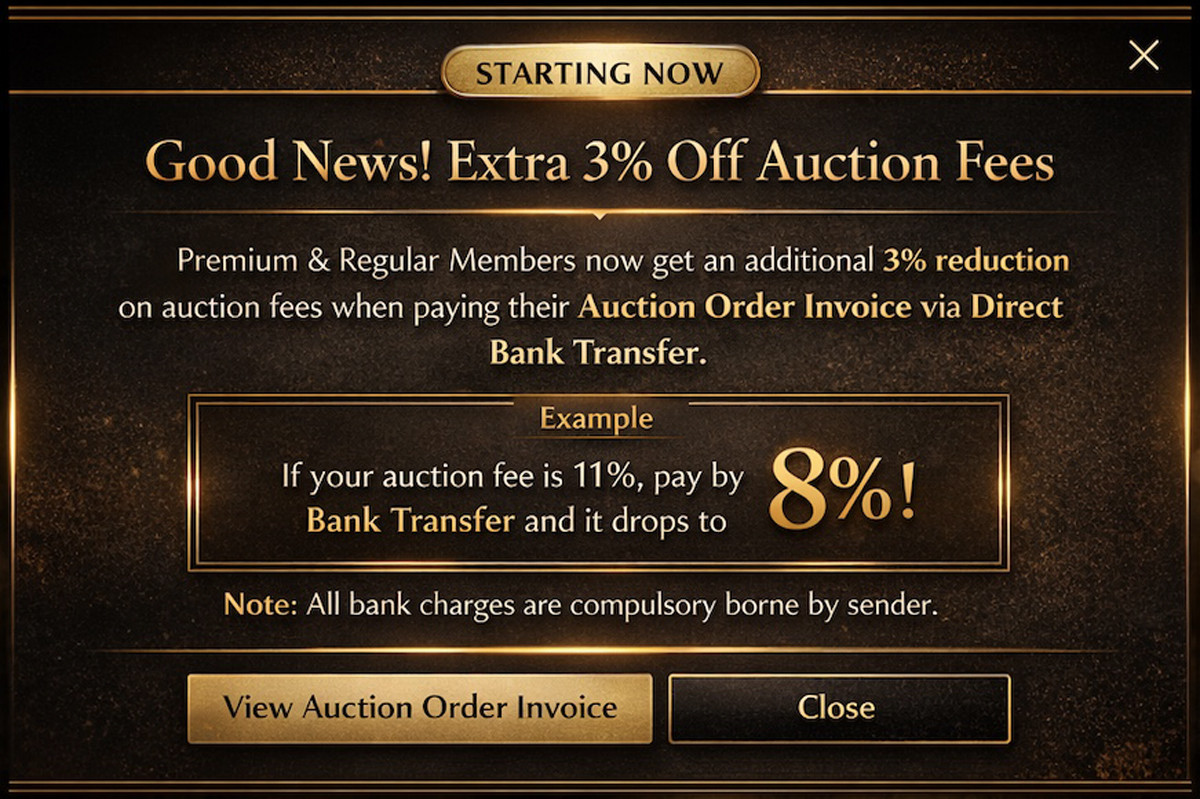
Payment gateway has an approximate 4% charge. Overseas bank transfer has a JPY9,000 bank charge.
Shipping fees are generated upon invoice generation. They are auto-calculated by the postal company.
You must select your default shipping options and postal address. Once orders are generated, select the postal method during payment, and the shipping fee will be included in the invoice.
Postal Method: JP Post / DHL. We ship worldwide.
Merge Order: Select Merge Order to keep orders pending for courier. When ready, select JP Post or DHL in the latest order and previous postal fees will be accumulated into the latest invoice.
If there is any change of address in merged orders, the latest shipping address in the order will be followed.
Ship Pending Merge Orders:
1. If all previous orders are paid and Merge Postage was selected, you will see Pending Merge Orders on top of your order page.
2. Click Ship Pending Merge, select DHL or JP Post, then shipping invoice will be generated.
3. Once payment is made, pending merge order status changes to confirmed and packing team prepares delivery.
4. Tracking number will be updated after parcel collection.
5. We are not responsible for duties and tax in buyer’s country.
6. Please check your duties and tax.
Once buyer has made payment, the item will be verified and authenticated, then packed from warehouse in approximately 3 to 5 business days.
Shipping most likely reaches the buyer’s designated location in 7-15 business days. Many are completed in a shorter timeframe.
Once the package is collected by the courier company, the tracking number will be updated in your account on the platform.